Tue 10 Mar 2026

TwistlyCells for Safety Data

“Ask Excel Anything – Meet TwistlyCells for Safety Data”

Many of our safety work still happens in Excel – incident logs, audit scores, training records, inspection sheets.
Now imagine if you could simply ask Excel in plain English:
“Show overdue actions.”
“Summarise top 3 causes of near-misses.”
“Translate this checklist into Arabic.”

That’s exactly what TwistlyCells does.

What it is..?
TwistlyCells (twistlycells.ai) is a free AI add-in for Microsoft Excel.
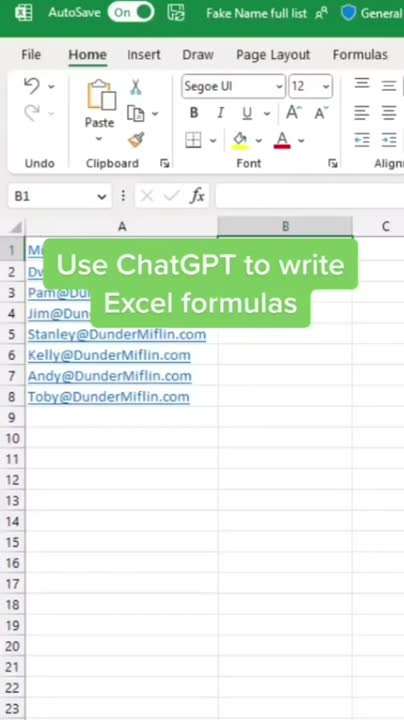
It turns your worksheet into a smart assistant — you type your question, and it instantly builds formulas, cleans data, or even creates charts.
No macros, no coding — just natural-language prompts.

Why it matters for us in HSE:
We deal with massive Excel files every day, but spend hours cleaning, filtering, and calculating.
TwistlyCells can do it in seconds while we focus on what matters: insight and action.

Practical HSE Use Cases:
Incident Register Analysis
• Type: “Summarise top 3 contributing factors for last 12 months.”
• It lists them instantly and even prepares a pivot table.

Training & Certification Tracker
• Ask: “Who has expired training certificates as of today?”
• It filters automatically — perfect for contractor compliance follow-ups.

Audit Data Cleanup
• Ask: “Standardise date formats, remove duplicates, and highlight missing comments.”
• You get a neat, ready-to-present sheet in seconds.

Quick tip:
Use clear column names (Date, Status, Location, etc.)
Double-check generated formulas before submitting reports.
Works best with Office 365 or latest desktop Excel.

Let’s use this to save hours of manual work and turn our Excel files into decision dashboards.

🔗 Try it here: https://twistlycells.ai

Note:
All previous AI Friday capsules are uploaded in our website https://jabharathsefoundation.org/artificial-intelligence-ai-tools-in-hse/

J&A Bharat HSE Foundation / Safety Engineers Association  collaborating SEA HSE Awards 2025 | awardsearesponse@gmail.com...