Mon 19 Jan 2026,

Adobe Acrobat

This week’s share: “Adobe Acrobat” for fast HSE document review (Dec 2025 updates)

Most of our safety time is lost inside PDFs – procedures, permits, MSDS/SDS packs, client specs, and audit reports. This week, let’s look at Adobe Acrobat’s AI Assistant, especially after its recent desktop updates (Dec 11, 2025) that expand what it can do in workflows.

What it does…?
Inside Adobe Acrobat, the AI Assistant can summarize a long PDF, answer questions from it, and (for some enterprise workflows) support tool-based actions using natural language – so we can move faster when reviewing or preparing safety documentation.

Note: Acrobat AI Assistant is positioned as an add-on (reported at $4.99/month) and has had feature rollouts that may vary by plan and language support (English noted in reporting). Take a look (Adobe Acrobat): https://www.youtube.com/watch?v=tHlt818hILU

Practical HSE use cases (step-by-step)

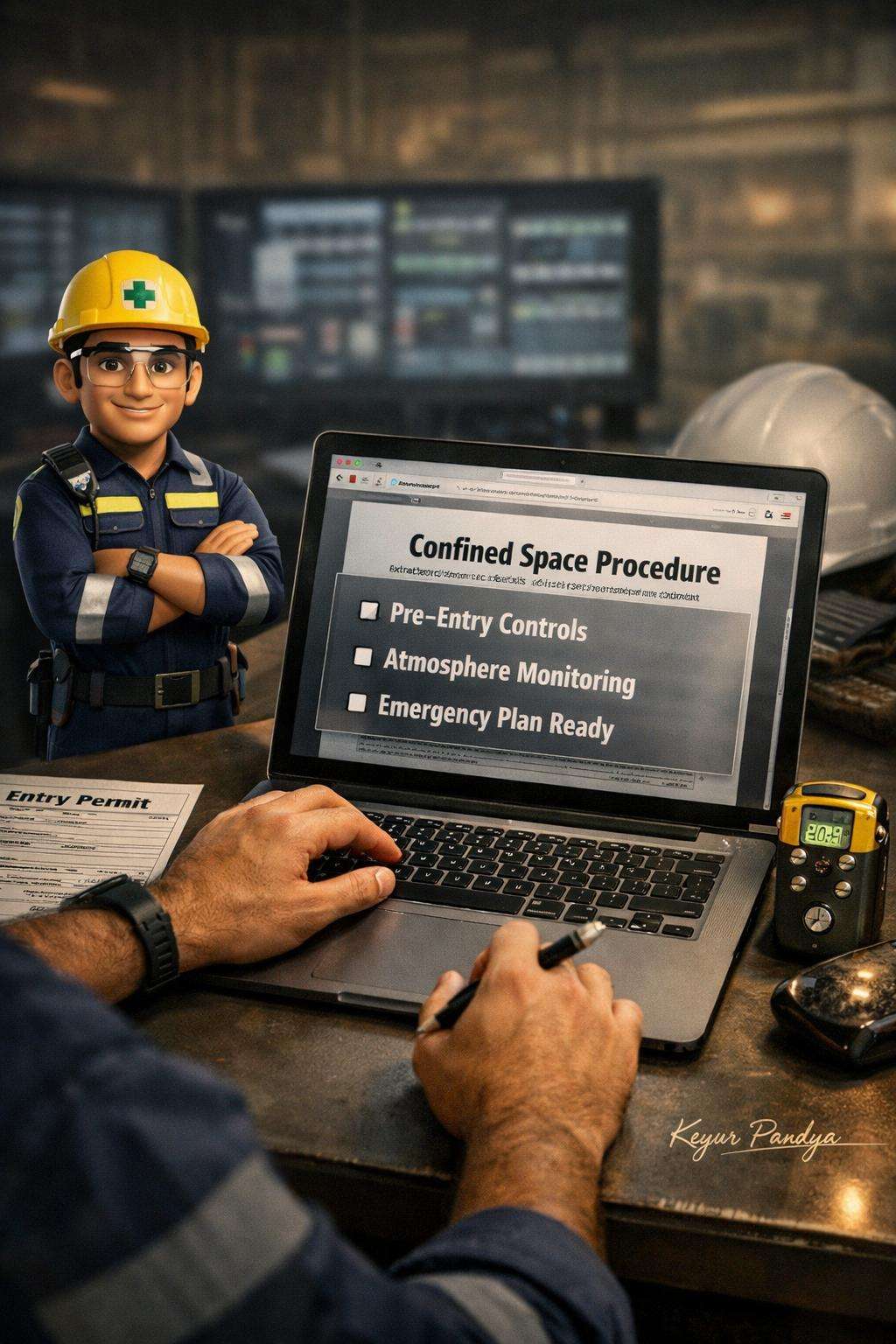
A) Turn a “Confined Space Entry Procedure” PDF into a pre-job checklist
1. Open the procedure PDF in Acrobat.
2. Ask: “List the mandatory controls before entry, during entry, and on exit.”
3. Ask: “Create a 10-point attendant checklist + 10-point supervisor verification checklist.”
4. Copy the output into your site template and add location-specific items (gas limits, rescue team name, comms channel).

B) Investigations: convert a long incident report PDF into a crisp CAPA summary
1. Upload/open the investigation report and photos/appendices PDF pack.
2. Ask: “Summarize timeline + immediate causes + contributing factors.”
3. Ask: “Extract all corrective actions; rewrite as SMART actions with owner + due date placeholders.”
4. Use that list to prepare MOM/action tracker for the weekly HSE meeting.

C) Contractor document review: compare revisions and spot what changed
1. Open Version A and Version B of a method statement / lifting plan.
2. Ask: “Compare both versions and highlight changes that affect risk controls.”
3. Ask: “What new competencies, inspections, or permits are implied by these changes?”
4. Use the output as your review notes before approval.

NEBOSH / ASP / CSP / CFPS aspirants
We can use it to rapidly summarize standards or guidance PDFs, then ask for:
* “Key definitions + exam-style short notes”
* “Common failure points and control measures”
* “Convert into 15 MCQs with answers (based only on this document)”

“Safety improves fastest when we stop chasing pages and start acting on what matters—clear hazards, clear controls, clear accountability.”

Note:
All previous AI Friday capsules are uploaded in our website https://jabharathsefoundation.org/artificial-intelligence-ai-tools-in-hse/

J&A Bharat HSE Foundation / Safety Engineers Association  collaborating SEA HSE Awards 2025 | awardsearesponse@gmail.com...