- 919866784338, 1(480)5807667
- info@jabharathsefoundation.org
- Saroor Nagar, Hyderabad 500035.
Thu 08 Oct 2026
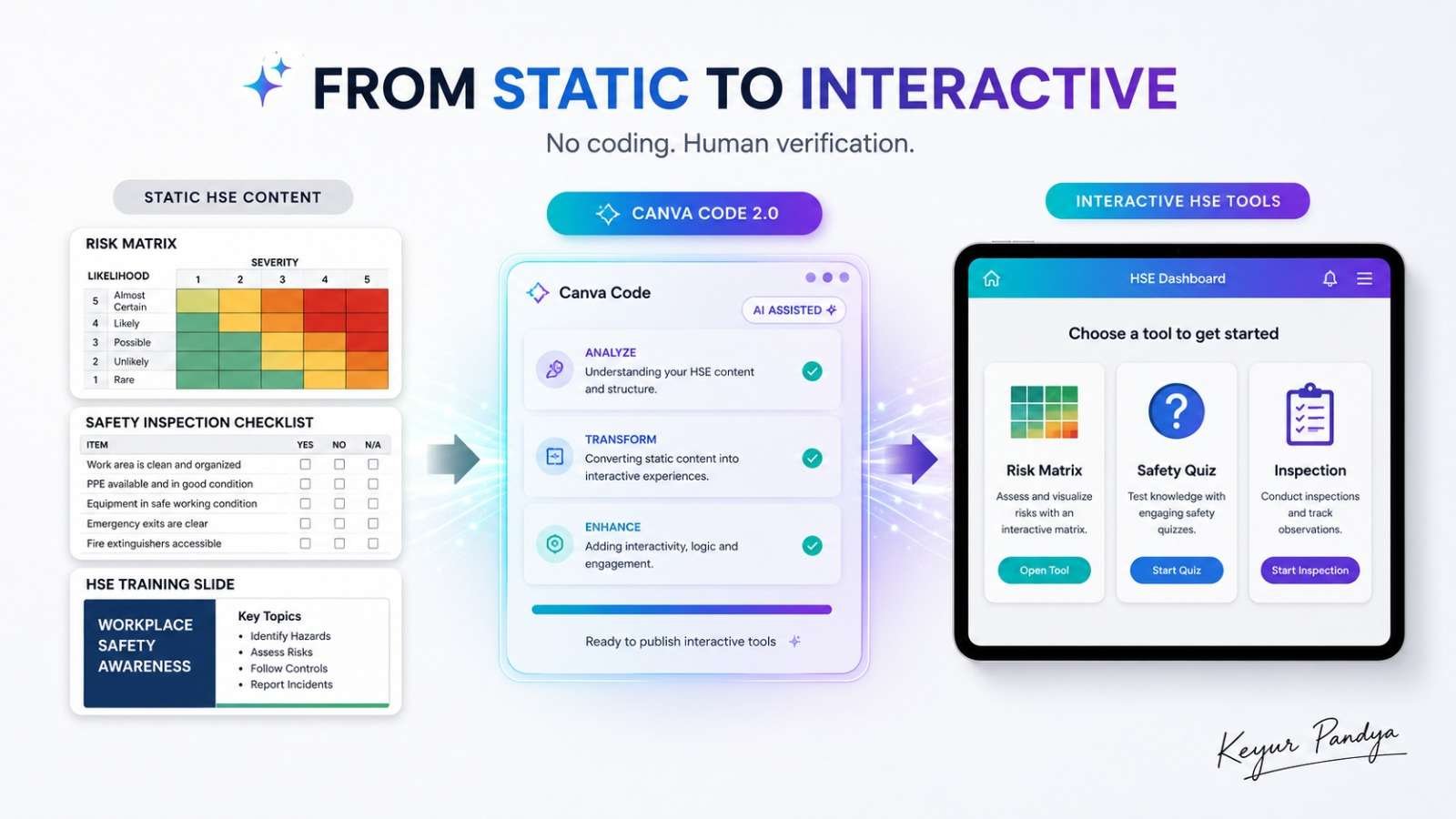
What If Our Safety Training Could Be Interactive, Not Just Another Slide?
Most of us have created safety presentations, checklists and training quizzes. We already know how to create documents, we already know how to create slides. Perhaps the next step is to create…
Small experiences that help people practice making the right decision before the real decision matters.
But what if we could create a small interactive HSE tool simply by describing what we need?
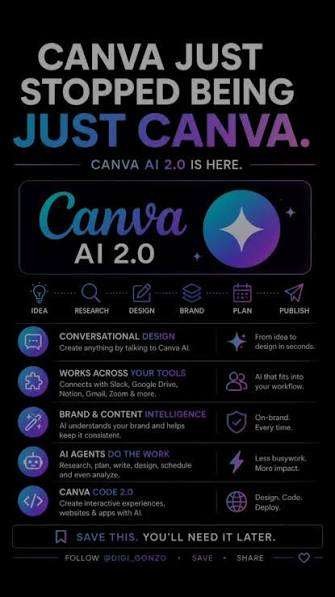
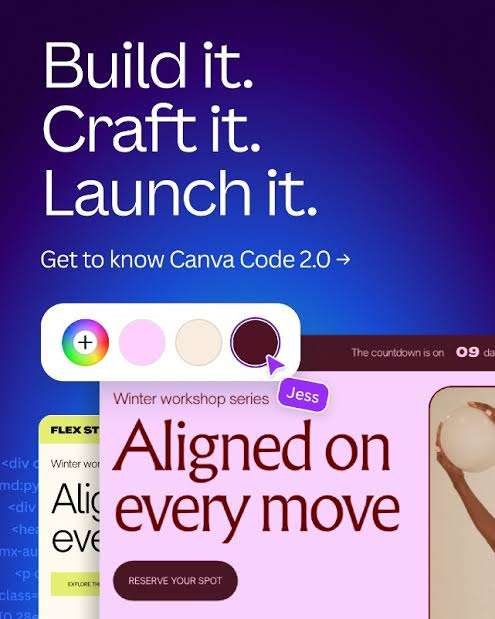
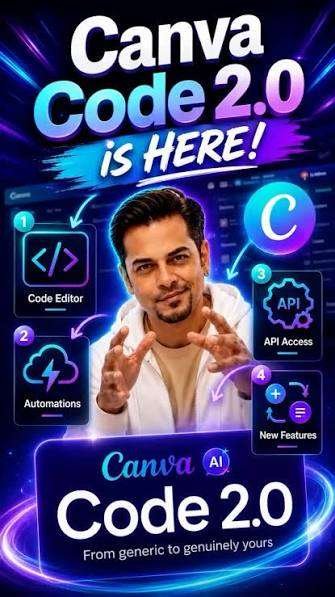
This week, let’s explore Canva Code 2.0
Canva Code allows us to describe an interactive experience in normal language and let AI build it. No traditional coding is required.
The interesting part is that the output does not remain trapped inside a developer-style code editor.
We can visually edit the text, colours, images and layout inside Canva, add it to a presentation or website, and publish the finished experience for others to use.
How can we use it in HSE?
1️⃣ Interactive Risk Assessment Tool
Instead of showing employees a static 5×5 matrix, we can create a simple tool where they select:
Likelihood → Severity → Risk Rating
and immediately see the resulting risk category.
Trial prompt:
> Create a professional interactive 5×5 HSE risk matrix. Let the user select likelihood from 1–5 and severity from 1–5. Calculate the risk score by multiplying both values and classify it as Low, Medium, High or Critical. Clearly state that the rating bands are examples and must be replaced with the organisation’s approved risk matrix before use.
That last sentence matters.
AI should not quietly invent our corporate risk criteria while wearing an attractive interface.
2️⃣ Permit-to-Work Decision Exercise
We could create a learning activity asking workers:
*What work is being performed?*
Electrical isolation?
Hot work?
Confined space?
Work at height?
Based on their selections, the activity can guide them through the next training question.
This could be useful during:
* PTW refresher training
* Supervisor workshops
* Contractor orientation
* Classroom assessments
It should remain a *training exercise*, not an AI system deciding whether real work may proceed.
3️⃣ Interactive Pre-Use Inspection
Imagine a learner inspecting a forklift, ladder, harness or portable electrical tool.
We can create an interactive checklist where they select each condition and receive feedback such as:
Acceptable
Requires attention
Remove from service and report
For training purposes, this can be much more engaging than another slide containing 14 bullet points.
4️⃣ HSE Quiz or Scenario Challenge
We can create a mini-game around:
Confined Space Entry
LOTO
Fire Safety
Line of Fire
Working at Height
Chemical Handling
For example:
> Create an interactive HSE scenario for workers entering a confined space. Present five decision points one at a time. Give immediate feedback after each answer, explain why the safest option is correct and show the final score. Do not invent exposure limits or company-specific requirements.
This could turn a short toolbox session into something employees actually interact with.
How do we create one?
The workflow is surprisingly simple:
1. Open Canva
Go to Code from the Canva homepage, or open Code from within a Canva design.
2. Describe the tool
Explain what users should see, select, calculate or learn.
3. Generate
Canva creates the interactive experience.
4. Test it
Try every button, calculation and decision path.
5. Edit visually
Change fonts, colours, text, images and branding directly inside Canva.
6. Validate the HSE logic
Compare every technical requirement against the approved procedure, risk matrix or standard.
7. Publish
The experience can be used inside Canva designs or published as a responsive interactive experience.
Is Canva Code free?
Yes, Canva Code 2.0 is now available to Canva Free users as well as Pro, Business, Enterprise and Education users.
Canva applies AI usage allowances, so the number and complexity of Code generations available depends on the account, plan and AI usage.
Paid plans provide higher AI access plus additional premium design, branding and collaboration features.
So for our first HSE experiment:
Canva Free is enough to start.
We do not need to purchase a subscription merely to discover whether the idea is useful.
What about safety and data?
Canva states that designs are encrypted using AES-256 at rest and protected using TLS/SSL in transit. Canva also lists SOC 2 Type II and ISO/IEC 27001 among its security and compliance credentials.
For AI features, privacy settings determine whether eligible user content may be used to improve AI services. Canva states that content belonging to Teams, Business, Enterprise and Education users is not used to improve AI-powered features.
Still, for HSE work we should:
✅ Start with fictional or generic safety scenarios
✅ Replace example criteria with approved company requirements
✅ Test every calculation and decision path
✅ Obtain approval before publishing an operational tool
✅ Keep personal and confidential information out unless authorised
Avoid uploading:
❌ Employee medical information
❌ Confidential investigation evidence
❌ Client-restricted procedures
❌ Security-sensitive plant information
❌ Passwords or access credentials
And most importantly:
Do not allow a generated mini-app to become a substitute for an approved HSE system, competent person or formal risk assessment.
A thought for our HSE fraternity
“The best safety technology does not make procedures more impressive. It makes safe decisions easier to understand.”
Note:
All previous AI Friday capsules are uploaded in our website https://jabharathsefoundation.org/artificial-intelligence-ai-tools-in-hse/
Copyright © 2022 J&A Bharat HSE Foundation. All rights reserved
J&A BHF / GHF Annual Keval Shanti & Dr Pravin Patel - Mita Patel Students Scholarship Program 2026 | Last Date 31 Aug 2026 | Click Here