- 919866784338, 1(480)5807667
- info@jabharathsefoundation.org
- Saroor Nagar, Hyderabad 500035.
Thu 11 Jun 2026
In our profession l, training should not end with attendance.
It should end with understanding.
Many times, we complete toolbox talks, inductions, PTW refreshers, and contractor briefings. Everyone signs the sheet. Everyone nods seriously. Then the same unsafe shortcut returns next week like it has its own access card.
This week, let’s explore a practical AI workflow:
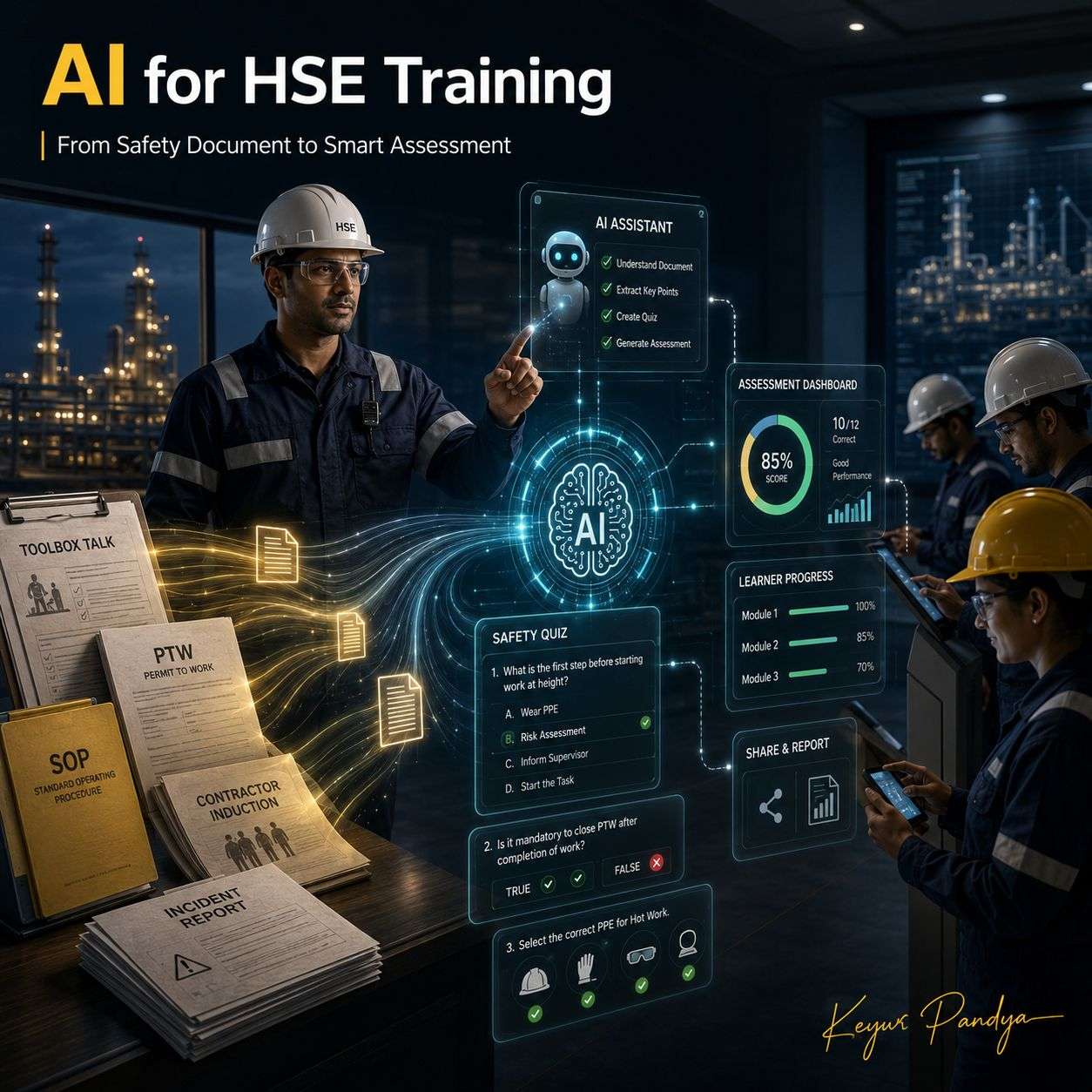
Use AI to create better safety quizzes, then use form tools to deliver and track them.
A generic AI tool like ChatGPT, Claude, or Gemini can help us create strong quiz content from uploaded procedures, toolbox topics, incident reports, or training notes.
But tools like Jotform AI Quiz Generator can help convert quiz ideas into a shareable online quiz format. Jotform says its AI Quiz Generator can create quizzes from prompts or uploaded files and supports multiple question types. Its quiz maker also supports features like conditional logic, automatic grading, publishing, embedding, response collection, and assessment workflows.
So the genuine logic is simple:
Generic LLM = better quiz thinking
Quiz/Form tool = better quiz delivery and tracking
Both have their place.
How can we use this in HSE?
1. Toolbox Talk Understanding Check
After a toolbox talk, we can ask AI to create 5 short questions.
Example prompt:
“Create 5 practical MCQs for workers on working near moving equipment. Cover blind spots, exclusion zones, spotter duties, communication signals, and stop-work authority. Keep options short and add correct answers.”
Then we can move the final questions into Jotform, Google Forms, Microsoft Forms, or our LMS.
This is better than asking, “Any questions?” and receiving the classic response: silence and shoe inspection.
2. Permit-to-Work Refresher Quiz
We can upload a PTW procedure into a generic LLM and ask for scenario-based questions.
Example prompt:
“Create 10 scenario-based MCQs from this hot work permit procedure. Include correct answers, short explanations, and common wrong assumptions workers may have.”
Then we can publish the quiz using a form tool and collect responses.
Useful topics:
* hot work
* confined space entry
* lifting operations
* electrical isolation
* line breaking
* work at height
* SIMOPS
The goal is not to test memory only.
The goal is to test whether people understand the controls before the job starts.
3. Contractor Induction Assessment
For contractor onboarding, we can create a short assessment covering:
* PPE requirements
* emergency response
* incident reporting
* site traffic rules
* housekeeping
* dropped object prevention
* restricted areas
* stop-work authority
A form-based quiz helps us share the assessment by link, collect responses, and keep evidence of completion. Jotform’s quiz maker mentions publishing, embedding, response management, and automatic grading as part of its quiz workflow.
This matters because “we told them during induction” is not the same as “we checked they understood.” Tiny difference. Only the difference between paperwork and prevention.
4. Learning Gap Analysis
The most useful part is not quiz creation.
The useful part is what the answers reveal.
If many people answer one question wrongly, it may mean:
* the topic was not explained clearly
* the procedure is confusing
* the control is not understood
* the risk is being underestimated
* the training needs improvement
* supervisors need a refresher
* signage or field communication is weak
This turns a quiz into a leading indicator.
Not a perfect one. Calm down, dashboards.
But a useful signal.
Best Practical Workflow
Use this simple method:
Document / Topic → AI Quiz Draft → HSE Review → Online Quiz → Result Review → Refresher Action
AI can create the first draft.
We, the HSE professional must approve the final version.
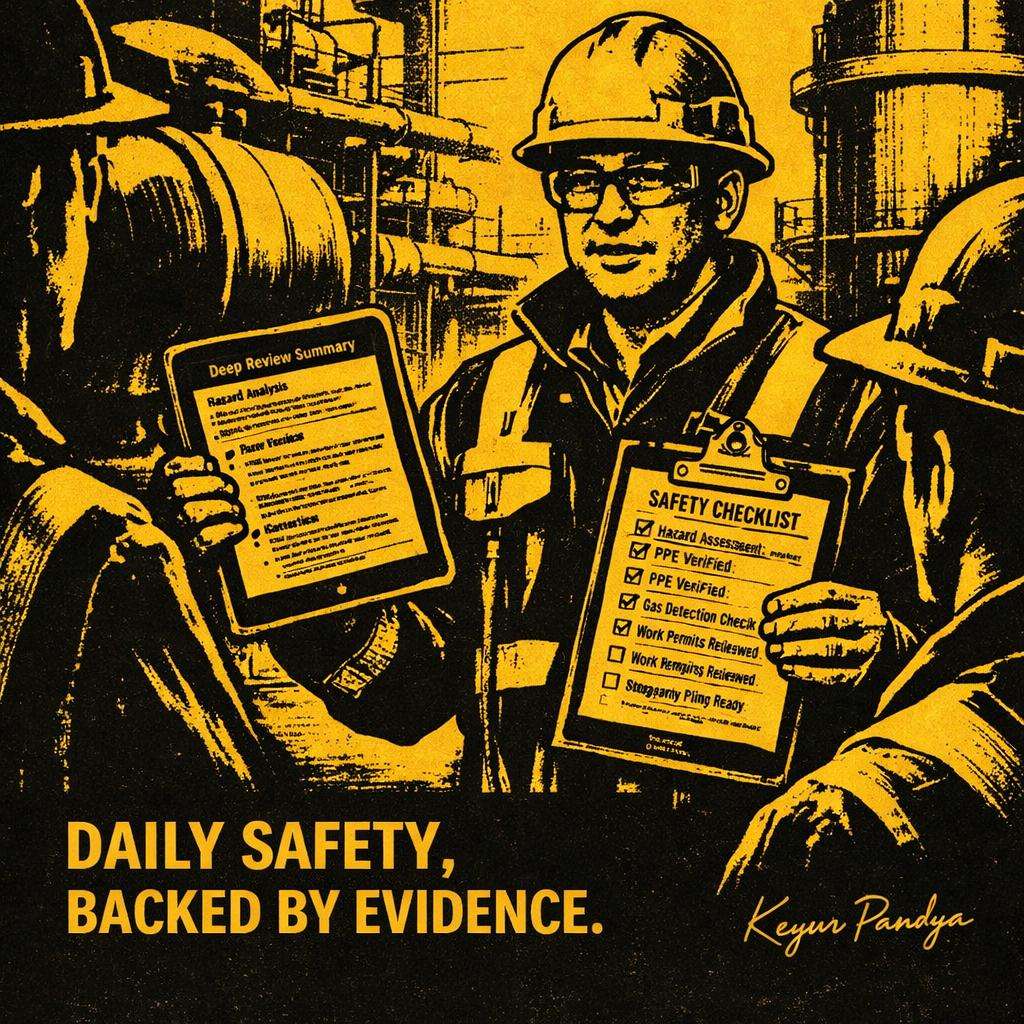
Before sharing, check:
* correct answers
* company procedure
* local legal requirements
* site-specific controls
* wording clarity
* question difficulty
* misleading options
* practical relevance
Because an AI-generated wrong answer in safety training is not a “minor typo.”
It is a shortcut with better formatting.
Where Jotform Fits
Jotform is useful when we want:
* a shareable quiz link
* automatic grading
* collected responses
* embedded quizzes
* assessment records
* structured online delivery
Jotform also has a free starting option, but limits depend on the plan. So it is better to call it free to start / freemium, not fully free.
Closing Thought
Let’s use AI not only to prepare training faster.
Let’s use it to check whether learning has actually happened.
Attendance tells us who was present.
Assessment tells us what still needs work.
Technique: Safety Document to Smart Assessment
Tools: ChatGPT / Claude / Gemini + Jotform / Google Forms / Microsoft Forms / LMS
Best for: Toolbox quizzes, PTW refreshers, contractor induction, safety training checks, and learning gap analysis
Jotform reference: https://www.jotform.com/ai/quiz-generator/
Note:
All previous AI Friday capsules are uploaded in our website https://jabharathsefoundation.org/artificial-intelligence-ai-tools-in-hse/
Copyright © 2022 J&A Bharat HSE Foundation. All rights reserved