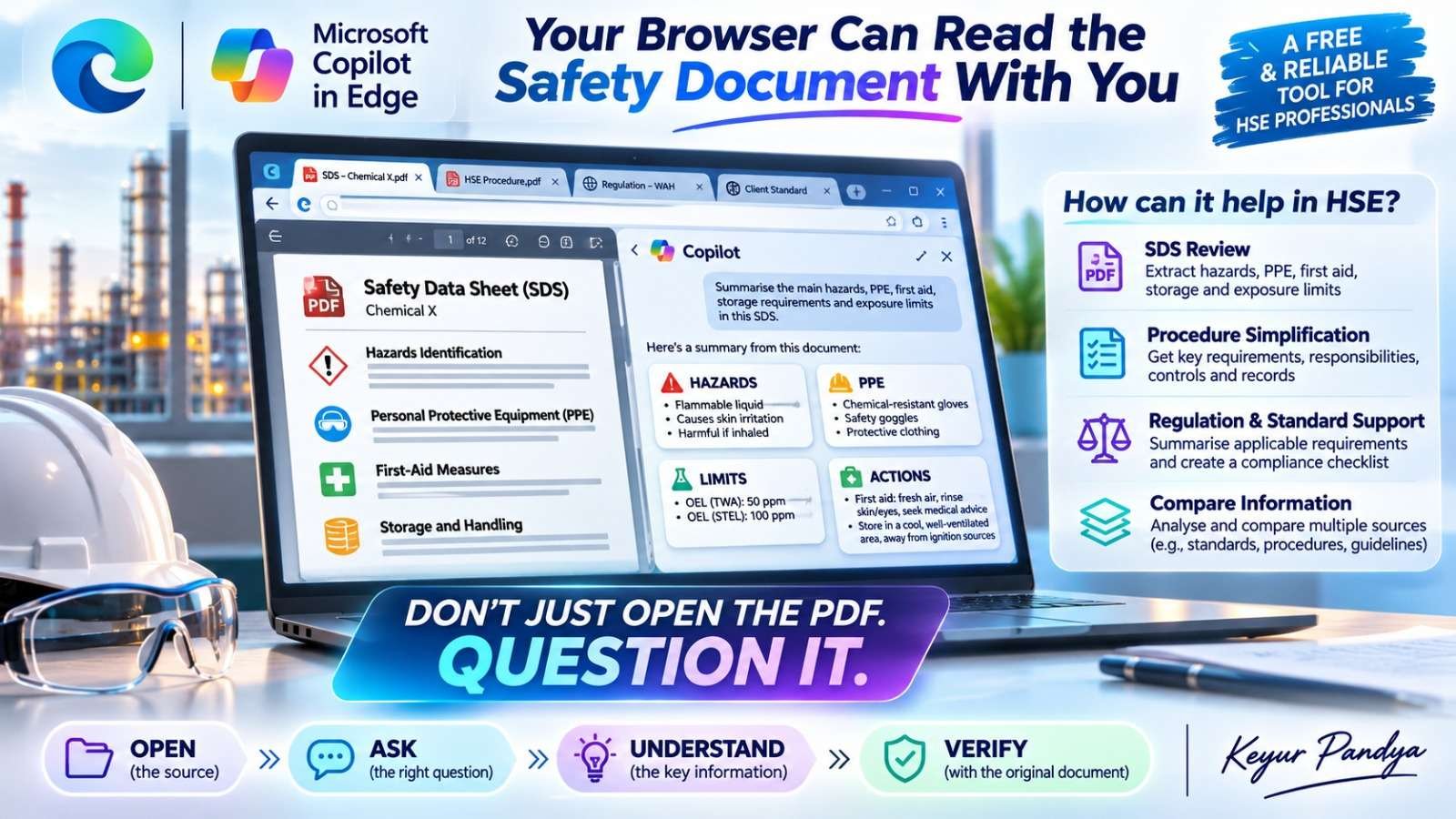
Your Browser Can Read the Safety Document With You
Most of us open dozens of: SDSs | Procedures | Client standards | Regulations | Audit reports | Training videos Then we scroll, search, copy, highlight and occasionally wonder why the important sentence always seems to be on page 47.
This week, let’s explore something many of us already have: Microsoft Copilot in Edge
Open a webpage, video or PDF in Microsoft Edge. Click the Copilot icon. Then ask questions about what is already on the screen.
Microsoft officially supports summarising webpages, videos and PDFs directly from the Edge sidebar.
How can we use it in HSE?
1. SDS review Open an SDS PDF and ask: > Summarise the main hazards, required PPE, first-aid measures, storage requirements, incompatible materials and occupational exposure limits stated in this document. Do not add information that is not present.
Then verify the values against the original SDS.
2. Long procedure → key requirements
Open a client or company procedure and ask: > Identify the responsibilities, mandatory controls, approvals, inspection requirements and records required by this procedure. Separate mandatory requirements from recommendations.
Useful before: Audits | Training | PTW reviews | Site inspections
3. Regulation or standard webpage
While reading an official regulatory page: > Summarise the requirements relevant to working at height and create a short compliance checklist using only this page.
Now we can understand the page without repeatedly copying sections into another AI tool.
4. Compare information while researching
Copilot in Edge can also use permitted browser context, including open pages and tabs, to help compare information. For example: > Compare the requirements described in these open sources. Show what is common, what differs and what needs further verification.
Very useful during procedure reviews or compliance research.
Is it really free?
Yes.
Microsoft provides a free version of Copilot for web-based tasks, including use inside Microsoft Edge. Usage limits apply, and advanced Microsoft 365 integrations require eligible subscriptions.
For the basic HSE workflow: Open document → Ask → Summarise → Verify
We can start without purchasing another AI tool.
What about workplace data?
This part matters. With a personal Microsoft account, Microsoft specifically advises users not to provide confidential or sensitive information they would not want processed under its consumer privacy terms. Users can also control whether conversation activity is used for model training or personalisation.
For organisations using an eligible Microsoft Entra work account, Copilot can provide *Enterprise Data Protection*.
So for company documents: ✅ Prefer the approved corporate Edge profile ✅ Check with IT before using AI features ✅ Respect DLP restrictions ✅ Avoid confidential incident, medical or process information unless authorised
The workflow is beautifully simple OPEN → ASK → UNDERSTAND → VERIFY
No new dashboard to learn. No separate document-upload website. No pretending AI has suddenly become the competent person.
> “AI can help us find the important information faster. Professional judgement decides what we do with it.”