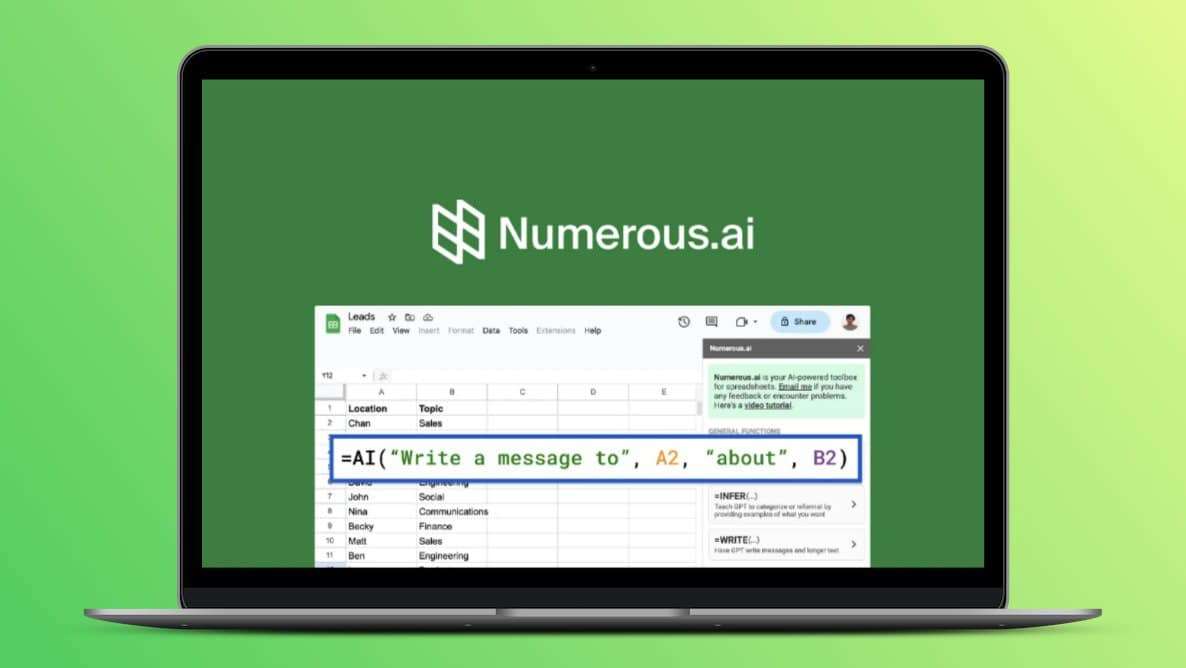
This week’s pick: Numerous.ai – “ChatGPT inside Excel & Google Sheets”
Most of us live in Excel – incident logs, PTW trackers, training matrices, audits. Numerous.ai lets us talk to our spreadsheets in plain English and get formulas, summaries, and classifications done for us inside Excel or Google Sheets.
You install it as an add-in, then use functions like =AI() or its menu to: generate formulas, clean data, categorize records, or summarize big tables without writing complex Excel logic.
Why it matters for HSE teams..? Instead of spending hours fixing spreadsheets, we can let the AI handle the repetitive parts and focus on actual safety decisions: – Generates complex formulas from plain English (even VLOOKUP / QUERY / REGEX types). – Works in both Microsoft Excel and Google Sheets. Perfect for HSE engineers who are strong in safety, but don’t want to become advanced Excel programmers.
Practical HSE use cases (step-by-step) 1. Near-miss & incident data clean-up (construction / oil & gas / ports) 1. Export your last 12–24 months’ incidents / near-miss records into Excel or Google Sheets. 2. Install Numerous.ai add-in and connect it in the file. 3. Add a new column “Category (AI)” and use the AI function to auto-classify each row (e.g., “fall from height”, “line of fire”, “chemical splash”, “PPE non-compliance”) from the description text. 4. Ask AI (via formula or prompt) to summarise patterns: top 5 causes, locations, shifts, or contractors. 5. Use this to update your monthly toolbox talk focus and HIRA reviews instead of guessing from raw logs.
2. Training matrix & validity tracking (chemicals / pharma / manufacturing) – Take your training matrix (names, courses, last training date, validity months). – Ask Numerous.ai to generate the Excel formulas that calculate “Next Due Date” and “Overdue – Yes/No” from plain English. – Add another column and prompt AI to group roles (e.g., “Operations – Field”, “Maintenance – Mechanical”, “Lab”, “Contractor”) based on job title text. – Filter by “Overdue – Yes” and role group to plan next month’s batches in minutes, instead of manually scanning rows.
Turn case-study text into structured bullet points (causes, immediate causes, root causes, corrective actions) for faster revision.
For HSE management dashboards Management often wants “one page with the story”: – Use AI to generate formula logic for rolling TRIR / LTIFR, man-hours, and trend comparisons. – Ask Numerous.ai to draft a plain-language summary of this month’s numbers directly from the dashboard sheet (e.g., “This month, recordable injuries dropped by 18%, mainly due to fewer hand injuries on Rig-3…”). – Paste this summary into monthly EXCOM or Board reports and tweak as needed.
For site supervisors & auditors On site, we can: – Maintain a simple inspection log sheet on a tablet and let AI: Group observations into themes (housekeeping, work at height, lifting operations, electrical, confined space). Suggest short “action summaries” to paste into emails or WhatsApp updates to contractors. – Use AI to auto-draft close-out comments for repeated findings across multiple sites, keeping language consistent while we add our judgment.