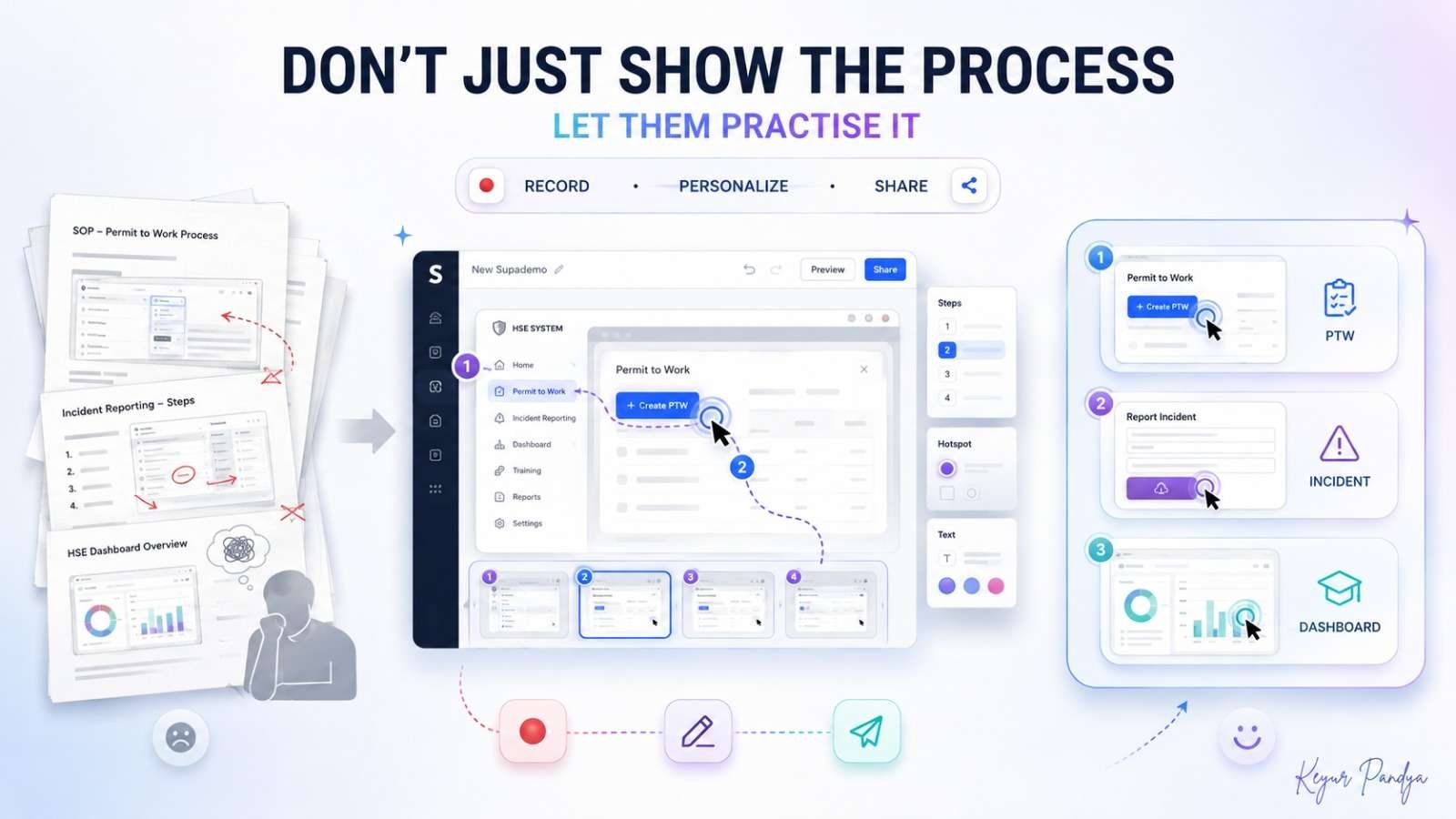
How can we use it in HSE?
Electronic Permit-to-Work training
Suppose we need to teach supervisors how to raise an e-PTW.
Step 1: Open a training/demo version of the PTW portal.
Step 2: Start Supademo recording.
Step 3: Complete one sample permit normally.
Step 4: Each click becomes a guided step.
Step 5: Correct the generated instructions and remove sensitive data.
Step 6: Share the walkthrough as a link or embed it inside the LMS.
Instead of telling someone “click here, then go there” for the fourteenth time, they can practise the sequence themselves.
Incident-reporting portal
We can create an interactive walkthrough showing:
New Incident → Classification → Immediate Action → Attach Evidence → CAPA → Submit
The learner actually clicks through each stage, so it works well for inductions, supervisor training and refresher sessions.
What is new?
Supademo’s August 2026 update, published on 3 September, made its AI Demo Agents self-service. Every workspace now gets 1,500 free Agent credits, roughly enough for about 70–75 typical conversations, and the credits do not expire. The Agent can answer questions while guiding a user through approved demos and documents.
Free vs paid
Free: US$0
The current free plan includes:
1 creator
5 guided interactive demos
50 video recordings
Unlimited demo views
Link sharing and embedding
PDF/GIF export
Up to 1080p video export with watermark
That is enough for us to test a real HSE workflow before paying anything.
Scale: US$38 per creator/month when billed annually
It adds unlimited guided demos, Supademo AI, analytics, branching, voiceovers, smart blur and other professional features.
Is it safe to use?
Supademo states that it is SOC 2 Type II audited and GDPR compliant, uses AES-256 encryption at rest and TLS in transit, and says customer content is not used to train its AI models or third-party AI systems.
Still, we should:
✅ Record a demo/training account where possible
✅ Blur names, IDs and confidential fields
✅ Never capture passwords or security-sensitive screens
✅ Validate every AI-generated instruction
✅ Keep approved HSE procedures as the source of truth
One important point: if we share a demo publicly or through an unrestricted link, access follows the sharing settings we configure. So a polished interactive demo can still leak information if we record the wrong screen.
> “People remember a process better when they practise the steps, not merely watch someone else perform them.”
Note:
All previous AI Friday capsules are uploaded in our website https://jabharathsefoundation.org/artificial-intelligence-ai-tools-in-hse/